Understanding translatable content#
The SilverStripe Translatable module allows you to create and edit multiple pages in various languages. This module also adds the ability for your users to select which language of a page they wish to view.
[note] Notes:
The SilverStripe Translatable module does not translate content automatically, content authors will need to enter the translated content manually for each translated page. [/note]
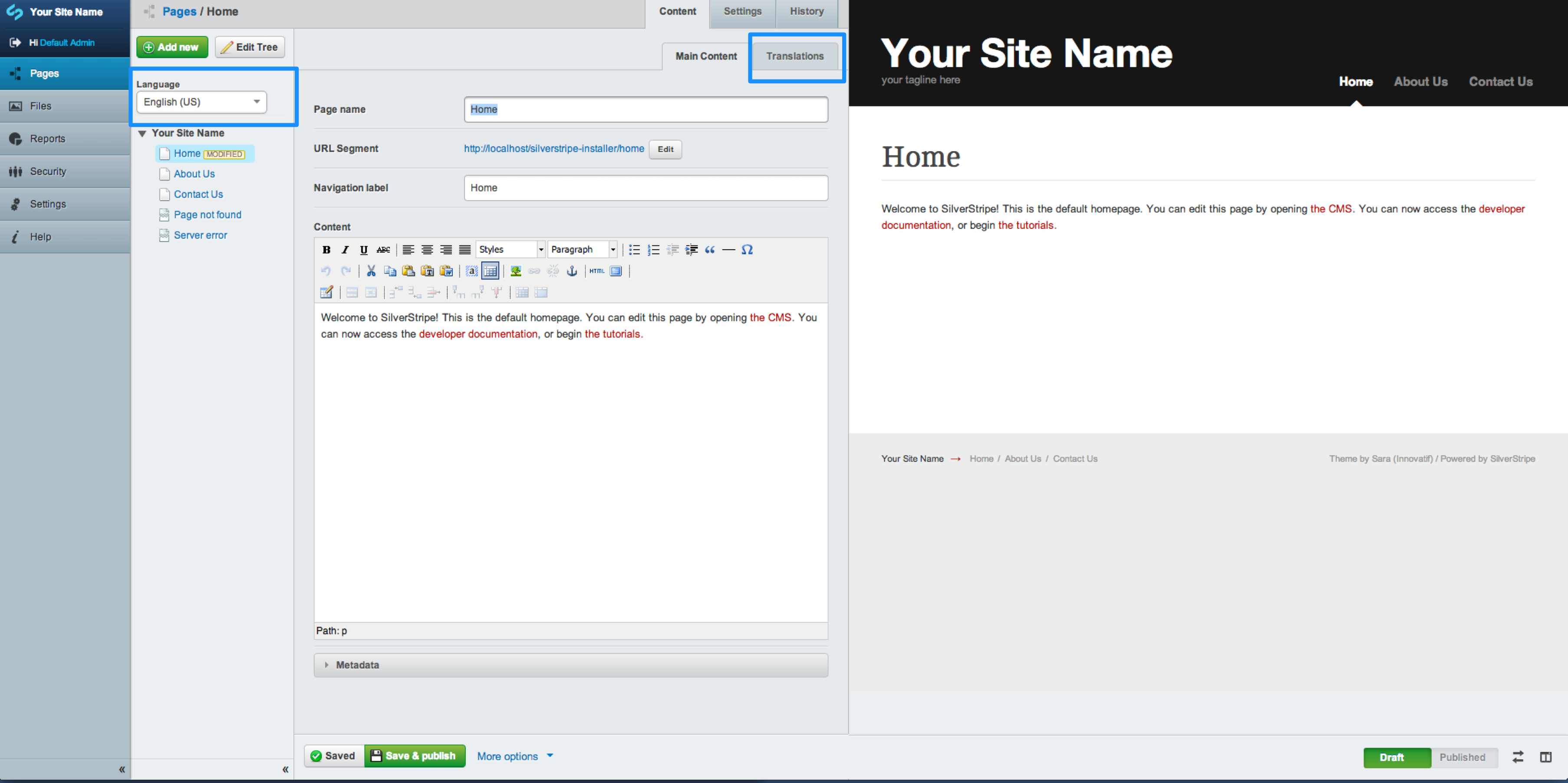
To begin translating content select a page in your site tree from the "Pages" admin. You can see in the below image:
- The language drop down above your site tree - This allows you to select which translated pages to edit
- The 'Translations' tab - This allows you to create a translated version of the selected page